Sudoku 360: play free sudoku online

Enjoy the classic sudoku puzzle with the possibility of rotating the board 360°

Choose the type of Sudoku to play:

The classic puzzle, with a fixed board.

Select level:

Sudoku 360 Web: play free in your browser

No downloads and no sign-up: pick a mode and a level, and start playing on your computer, tablet or phone. Every board has a single solution, so you can always solve it by logic.

Classic Sudoku

The puzzle you know, on a fixed board: fill the 9×9 grid without repeating a number in any row, column or region. On a computer you can also turn on the 360° rotation and drag the board to see it from another angle.

Play classic sudoku


Legendary Sudoku

The same rules, but the board turns by itself while you play. The numbers stay upright, yet rows become columns and you have to find your bearings again. This is the mode that makes Sudoku 360 unique.

Play legendary sudoku

Make the game your own

  • Notes to keep track of each cell’s candidates
  • Rounded or square cells
  • Region, row and column highlighting
  • Identifier for matching numbers
  • Keyboard shortcuts on a computer

Sudoku levels: from easy to expert

Sudoku 360 has 5 difficulty levels, each shown with stars: the more stars, the fewer clues you start with. All 5 levels are available in both Classic and Legendary modes.

Sudoku 360 App for Android and AppGallery

Take Classic and Legendary Sudoku on your phone, with everything only the app has: challenges to unlock levels, your game history and your records. It’s a free download on Google Play and Huawei AppGallery.

Available in Google PlayAvailable in - AppGallery
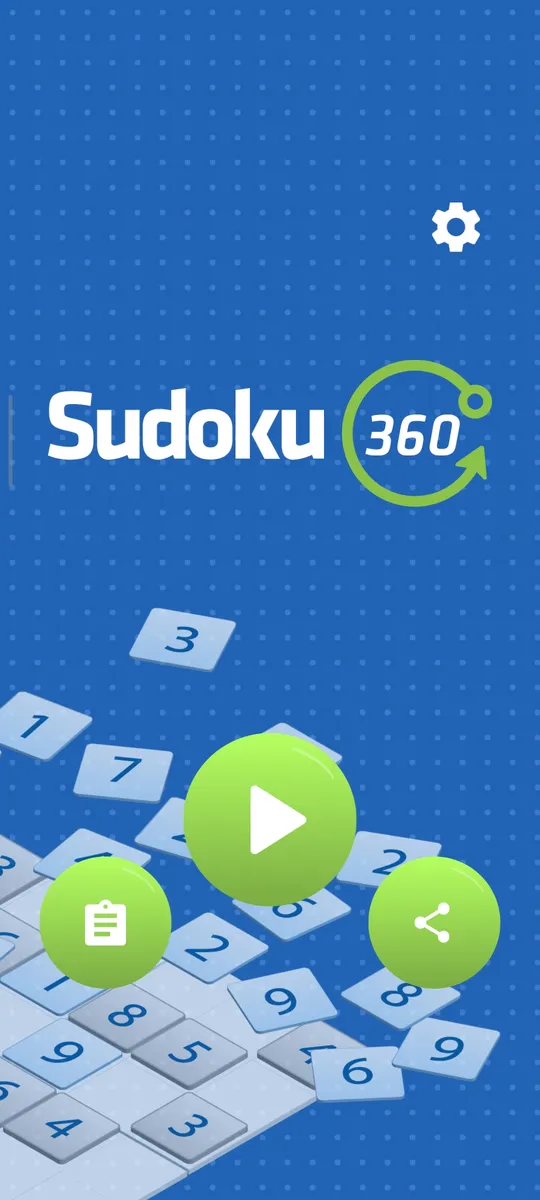
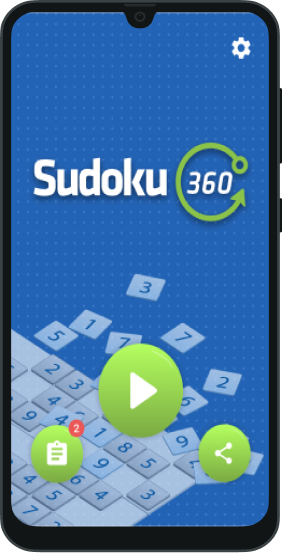
Sudoku 360 app start screen
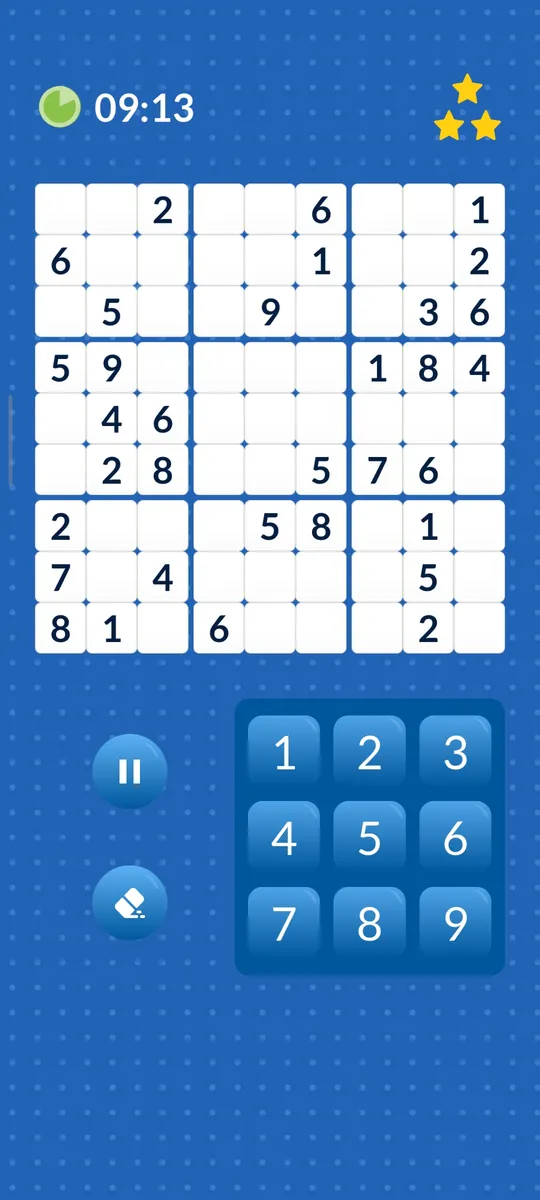
Three-star sudoku board in the Sudoku 360 app, with the timer and the number pad
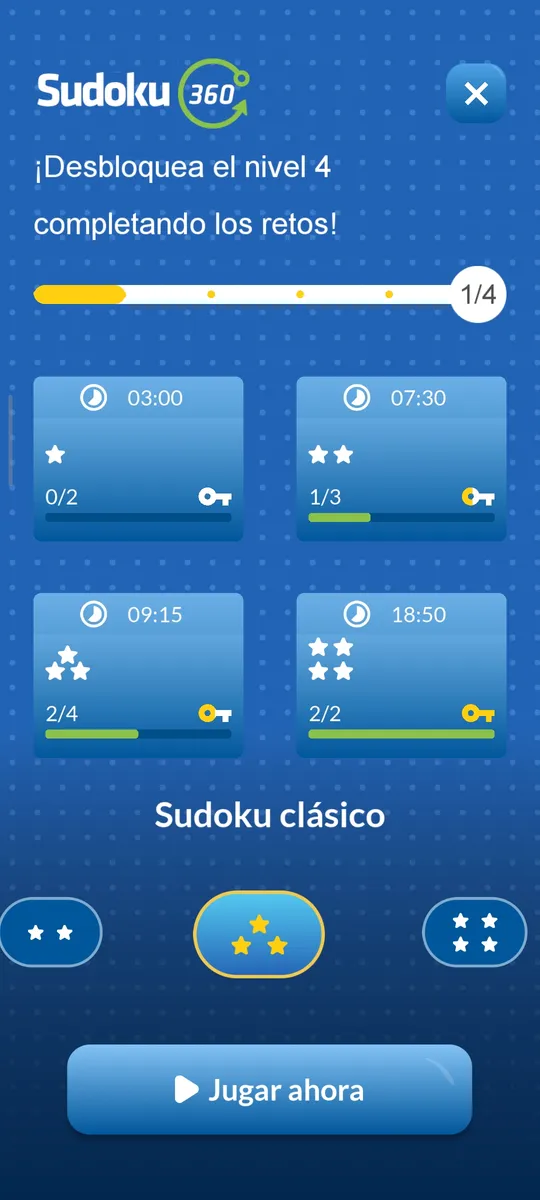
Progress on the 4 keys in the app, with the challenges, their target times and their stars to unlock level 4

Unlock levels and modes with 4 keys

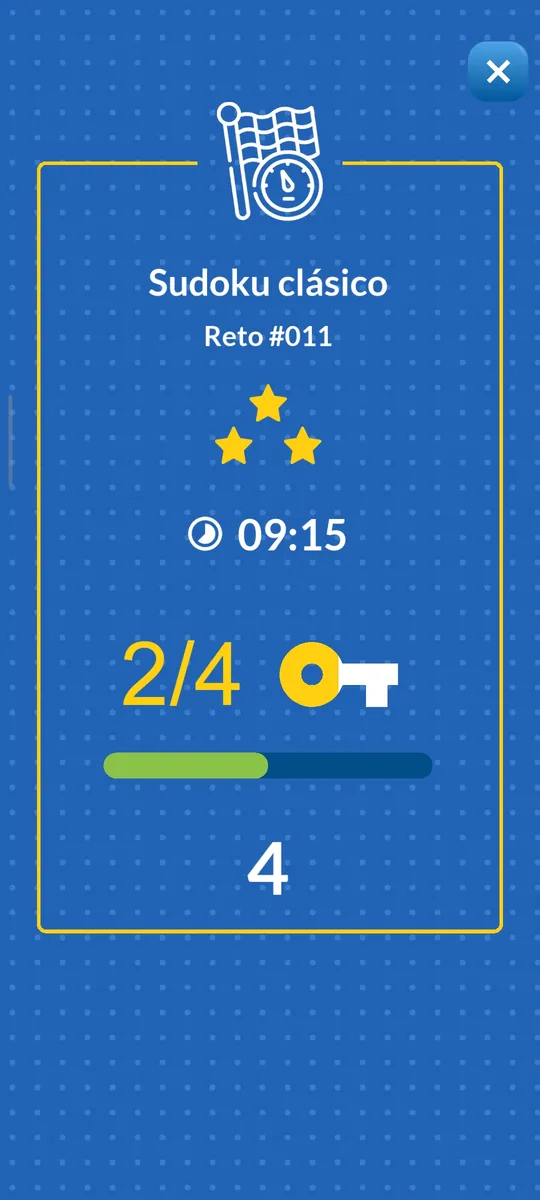
In the app you move up step by step. Each level has 4 keys, and each key is a series of challenges: solving several sudokus within a target time. Earn all 4 and the next difficulty level or mode opens up.

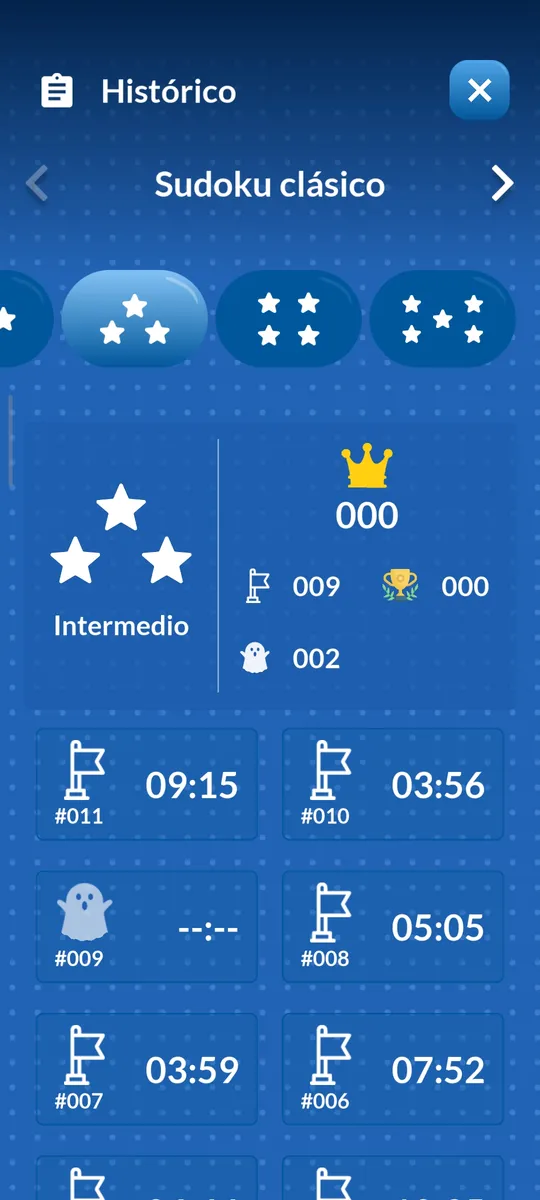
Game history for the Intermediate level in the app, with the time of each sudoku

Your game history

Every sudoku is recorded with its number and time, sorted by mode and level. You can see at a glance how much you have played and how you are improving.

Classic Sudoku challenge in the app, with its stars, its time and its progress toward a key

Beat your times and records

Go back to the sudokus in your history and try to outdo yourself: beat your times, improve your records and compete against yourself at every level.

Web or app: what each one includes

FeatureWebApp
Classic Sudoku✓✓
Legendary Sudoku✓✓
5 difficulty levels✓✓
Play without downloading anything✓—
Game history—✓
Challenges and 4 keys per level—✓
Beat your times and records—✓

How to play sudoku

Sudoku is a logic puzzle played on a 9×9 grid. You don’t need any math, you just fill the empty cells with the numbers 1 to 9 so that:

  1. Each row contains the numbers 1 to 9 exactly once.
  2. Each column contains the numbers 1 to 9 exactly once.
  3. Each 3×3 region contains the numbers 1 to 9 exactly once.

If this is your first time, start with one or two stars and move up when you feel confident.

See the step-by-step guide

Frequently asked questions

Is Sudoku 360 free?

Yes. On the web you can play every level and mode for free. The app is also a free download and shows ads.

Do I need to sign up to play?

No. On the web you just pick a mode and a level, and start playing.

What is the difference between Classic and Legendary Sudoku?

Both follow the usual sudoku rules. In Classic the board stays still, and in Legendary it turns by itself while you play, so you have to find your bearings again after each turn.

Which level should I choose as a beginner?

Start with Beginner (1 star) or Easy (2 stars). They give you more clues to start with, and you can move up to Intermediate when you feel confident.

How do I unlock levels in the app?

Each level has 4 keys, and each key is a series of challenges. Completing all 4 keys opens the next level. On the web, every level is available from the start.

Where can I see my times and records?

In the app’s history, where every sudoku is saved with its time and you can try to beat it. The web doesn’t keep a game history.

Where can I download the Sudoku 360 app?

It’s available for Android on Google Play and Huawei AppGallery.